Choose the right download for your Mac.
The installer depends on your processor, not whether you use a MacBook Air, MacBook Pro, iMac, or Mac mini. Open the Apple menu and choose About This Mac. Look for the chip or processor name.
| Your Mac | Choose | Minimum macOS |
|---|---|---|
| Apple M-series chip | Apple Silicon · ARM64 | macOS 11 |
| Intel processor | Intel · x64 | macOS 10.13 |
Both are DMG installers. You need an internet connection to stream videos; the installer does not include YouTube videos or offline playback.
Install YouTube Desktop on a MacBook.
- Check your processor. Use the table above to choose Apple Silicon or Intel.
- Open the YT Desktop download page. Continue through the on-page options, then choose the matching macOS installer.
- Open the downloaded DMG. Move YT Desktop into your Applications folder, then eject the disk image.
- Launch from Applications. Keep the app in your Dock if you want quick access. Browse signed out, or use YouTube’s own sign-in screen for your account.
If macOS stops the app from opening: check that you downloaded it from this site and that the processor version matches. Follow the specific macOS message; do not disable your Mac’s security settings. If it still fails, contact us with the message and your macOS version.
Keep a video close, without another tab.
A window you can find in the Dock
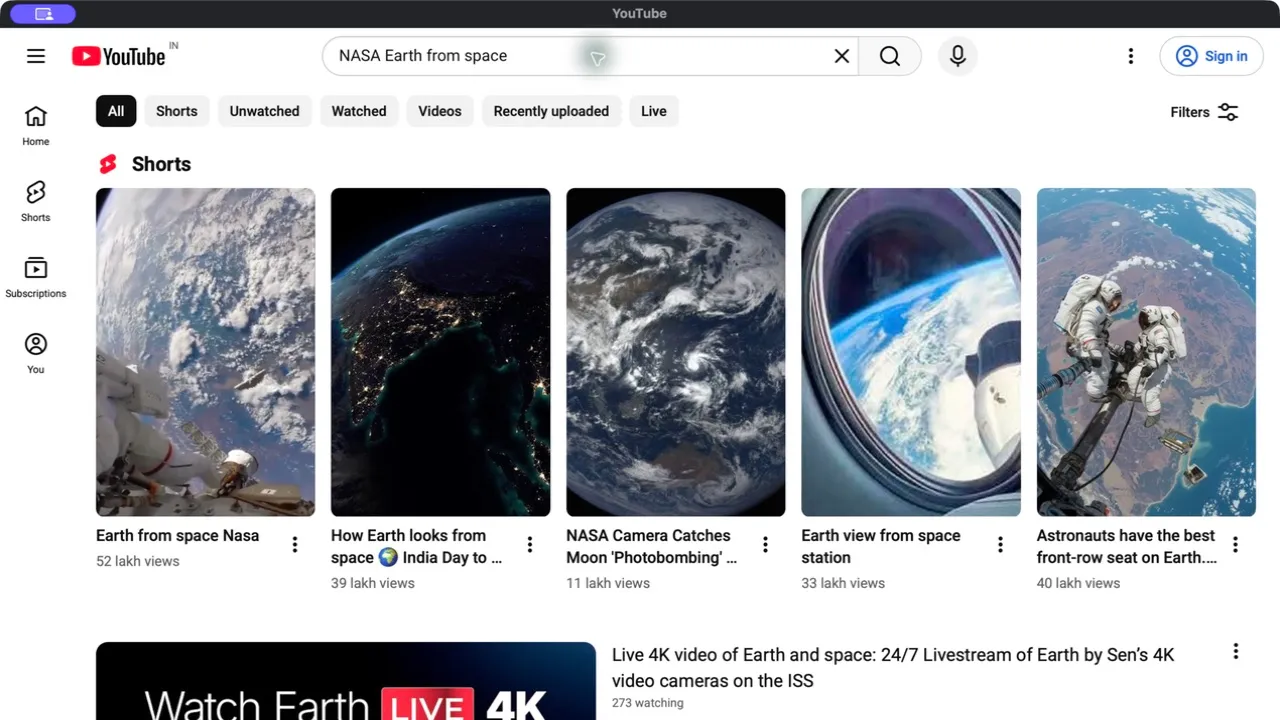
YT Desktop loads the familiar YouTube website in a separate app window. Your browser tabs can stay focused on work while YouTube has its own place.
Picture-in-picture and window controls
With a video playing, try View → Picture-in-Picture. Use View → Always on Top to keep the main window above others. Availability of video controls can depend on the player and macOS webview.
Useful Mac shortcuts
Use ⌘ + K for search and ⌘ + Shift + T for Always on Top. Our keyboard shortcut guide separates the app’s menu controls from YouTube’s player hotkeys.
Before you download.
Is this an official YouTube app for Mac?
No. YT Desktop is an independent desktop app that loads youtube.com. It is not affiliated with or endorsed by YouTube or Google. YouTube’s service, account requirements, and content restrictions still apply.
Does it work on a MacBook Air with an M-series chip?
Choose the Apple Silicon installer and check that your Mac runs macOS 11 or later. Intel MacBook Air models use the separate Intel installer.
Does installing it download videos to my Mac?
No. Downloading this app installs a way to watch YouTube in a dedicated window. YT Desktop does not provide a video downloader or unlock YouTube Premium features.
Can I use YouTube without installing YT Desktop?
Yes. You can watch at youtube.com in your browser. The laptop guide also explains a browser web app option.