Background Play
Keep audio playing when minimized or in another app. Perfect for music, podcasts, and lectures.
YOUR VIDEOS. YOUR OWN WINDOW.
Free YouTube App Download for PC, Mac & Linux
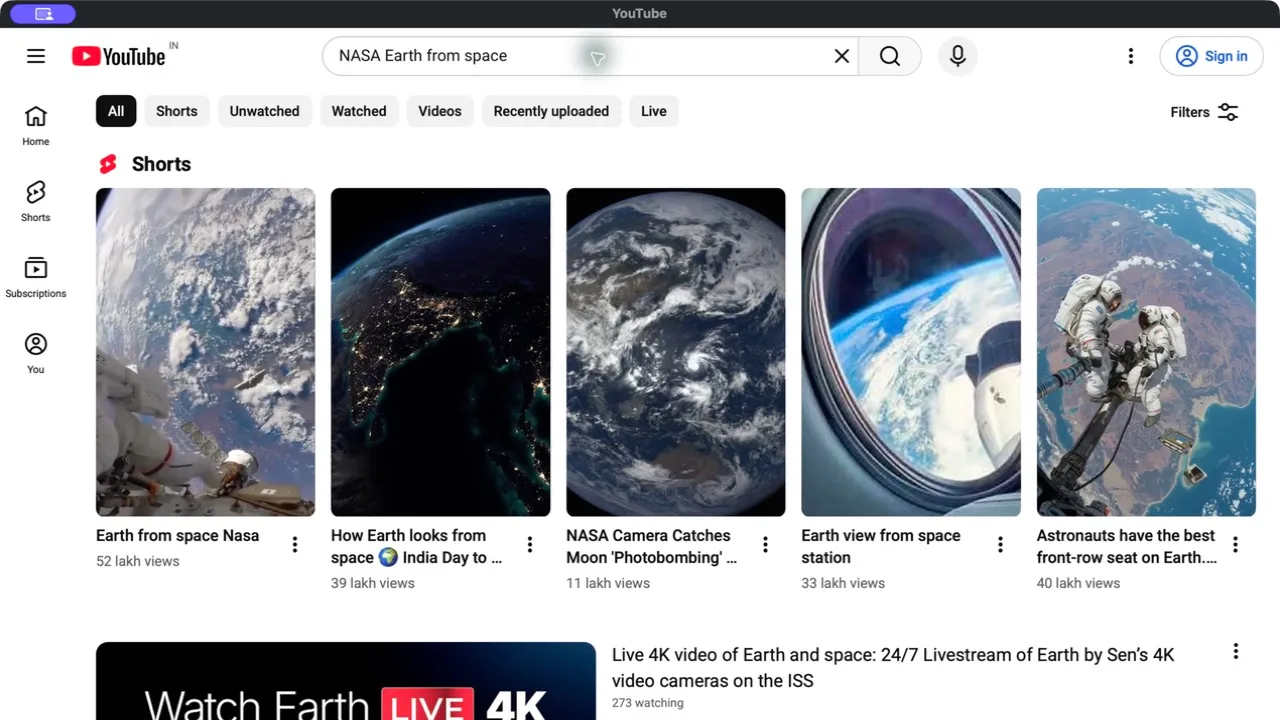
Give YouTube its own window on Windows 10, Windows 11, Mac, or Linux. Keep videos close with background playback, picture-in-picture, and familiar keyboard shortcuts.
Free for Windows, Mac & Linux.
No subscription. YouTube Premium isn’t included.
No payment · No account needed
Choose your computer below and download directly.
Already purchased? Get your downloadIndependent app. Not affiliated with YouTube or Google.
CHOOSE YOUR COMPUTER
Windows 10/11, Apple Silicon or Intel Mac, and Debian/Ubuntu Linux.
64-bit
v1.0.0 · ~1.5 MB
Get YT DesktopApple Silicon
v1.0.0 · ~1.8 MB
Get YT DesktopIntel
v1.0.0 · ~2.0 MB
Get YT DesktopDebian/Ubuntu
v1.0.0 · ~2.2 MB
Get YT DesktopNot sure which Mac download? Open the Apple menu → About This Mac. “Chip” means Apple Silicon; “Processor” with an Intel name means Intel.
These installers open the YouTube streaming app. An internet connection is required; this is not a video downloader.
MADE FOR THE WAY YOU WATCH
Your daily videos. A more comfortable place to watch.
Keep audio playing when minimized or in another app. Perfect for music, podcasts, and lectures.
Open picture-in-picture from the View menu, or keep the app window above your other windows with Always on Top.
Open YouTube from your dock or taskbar. A dedicated desktop window keeps your videos separate from your browser tabs.
Watch at 0.5x to 2x speed. Speed through tutorials or slow down complex explanations.
Search with Cmd+K on Mac or Ctrl+K on Windows. Use native menus for playback, volume, speed, and navigation.
YT Desktop adds no app telemetry or viewing-history tracking. YouTube and Google handle data under their own policies.
FROM DOWNLOAD TO PLAY
A familiar setup. Then straight to your favorites.
Check your computer’s compatibility and choose your free installer above. No payment or account is required.
Open the downloaded installer and follow its prompts. Launch YT Desktop from your applications, dock, or taskbar.
Browse YouTube, find a video, and press play. Sign in directly to YouTube if you want to access your account.
BEFORE YOU INSTALL
Choose a compatible desktop computer. All versions need an internet connection to stream YouTube.
Need setup help? Read the Mac guide, Linux guide, or laptop installation steps.
A FEW THINGS TO KNOW
Everything you need to know about downloading and using the YouTube desktop app.